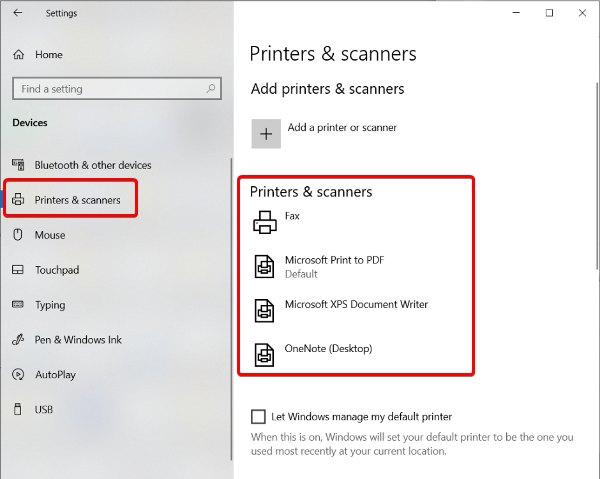
Uninstalling the Canon Internet Printer on an HPL works slightly differently to uninstalling it on a Windows Private Laptop.
1. On your Hanze Personal Laptop (HPL), go to the Company Portal. Here you will find an application called Uninstall Hanze Internet Printer. Start this application.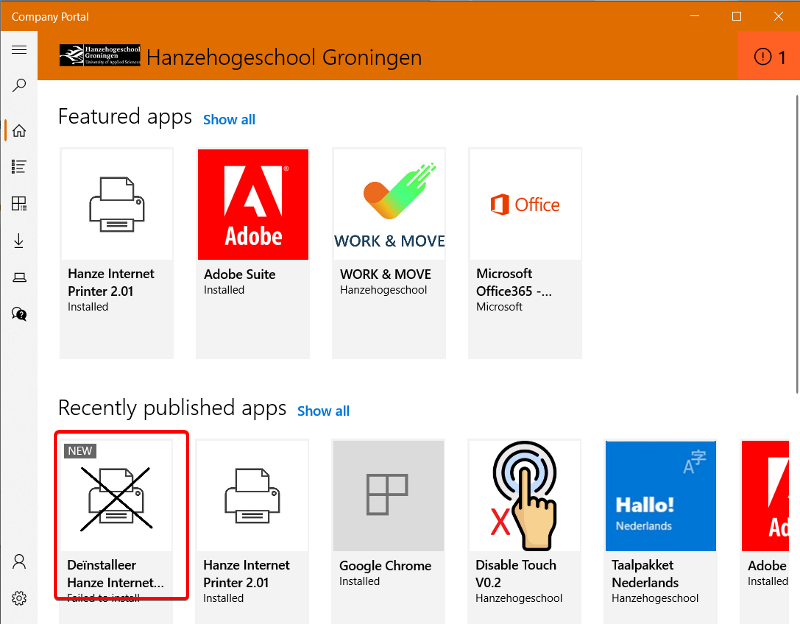
2. During the de-installation process you will see a blue window without any text. This window will close automatically once the process is finished. The Canon Internet Printer is now removed from your HPL.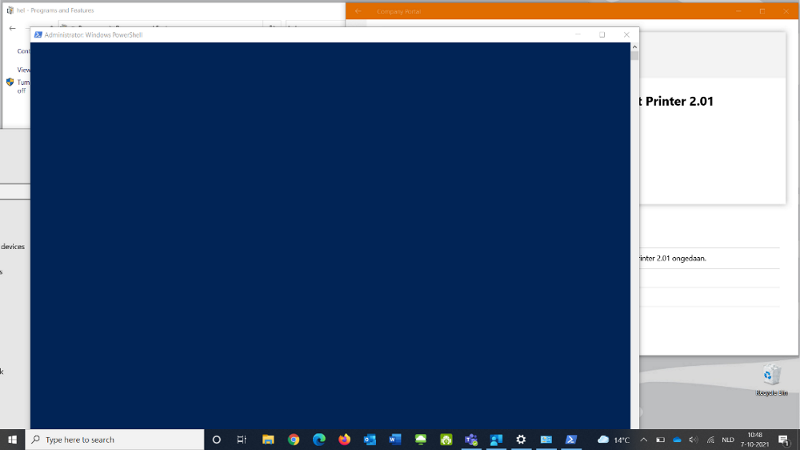
Note: The Company Portal may indicate that the de-installation was not successful. However, this is in fact the case. This is because the de-installation is done in an unofficial way.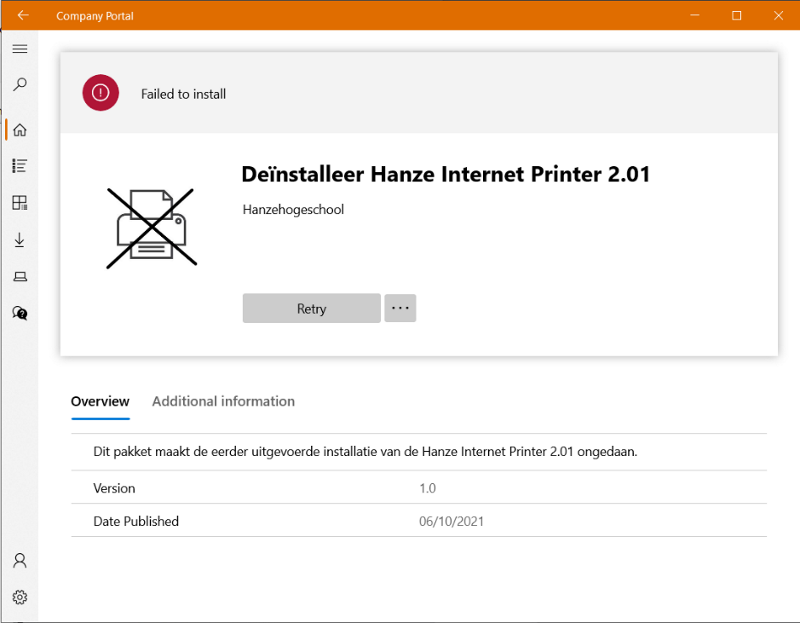
Do you want to check whether the printer has really been uninstalled?
On the Windows start screen, go to Settings. Then click on Devices. Now look under Printers and scanners to see whether the Canon Internet Printer has actually disappeared from the list.