Log in and log out at the Hanze print portal
Log in
- Go to: print.hanze.nl
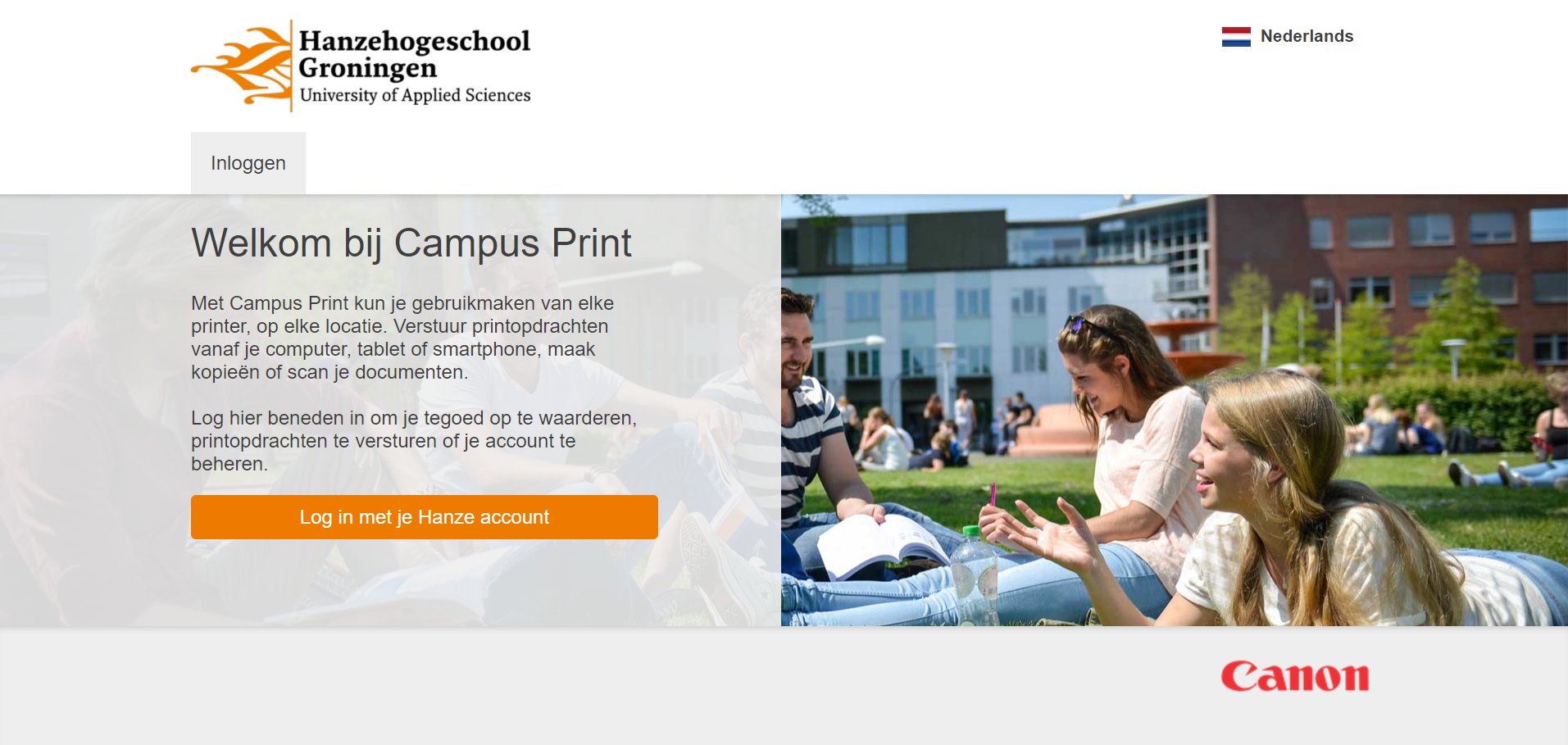
- As a student or employee: Click on [Log in with your Hanze account] and enter your Hanze username and password.
- As a guest: Click [Go to guest login] and enter your username and password.
Click [Create guest account] if you have not been registered yet.
-
- Click [Log in].
Log out
- As a student or employee: close the browser. Please note that the browser is not closed until all tabs are closed.
- As a guest: click the
 button and then [Log out].
