
If you want to use a Hanze student card, Hanze staff card or personal card, for example an OV chip card, to log in to the printers, you must first connect your card to your Hanze account or guest account. A guest account can be created in the Hanze print portal. You have to do this before you can link the pass.
Connect your card
- Place your card or pass on the card reader next to the user panel.
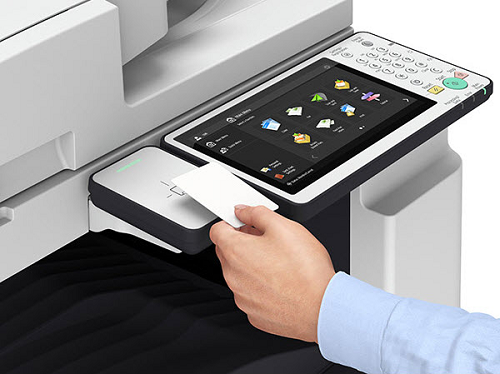
- The user panel will display a message that your card is unknown.
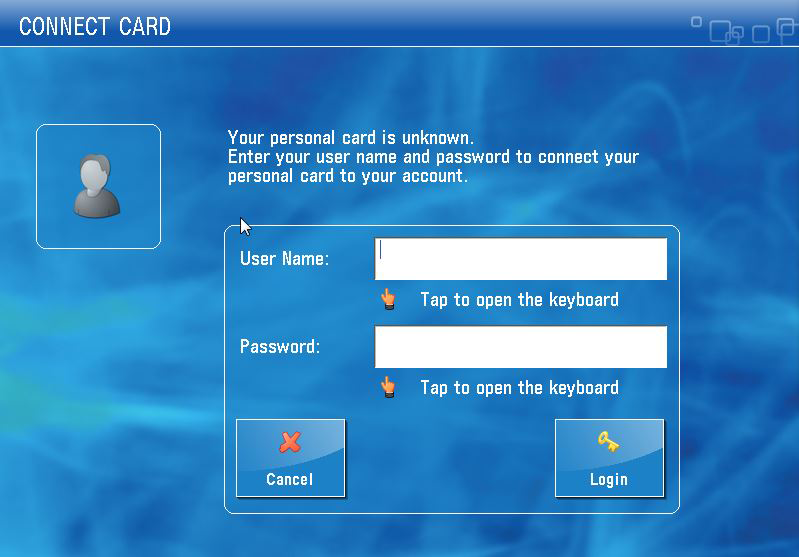
- Enter the user name and password of your Hanze account or guest account:
- For employees: 4-letter code
- For students: student number - Tap on [Login].
Your personal card is now connected to your account and can be used to log in to any printer.
Disconnect your card
If you have lost your card or pass, or you no longer need it because you have finished your studies or work at Hanze, you can disconnect your pass from your account. This will prevent anyone else from using your card.
- Go to: print.hanze.nl
- Click on the
 button in the upper right corner to go to your account settings.