-
Go to a printer and log in (Ways to log in).
-
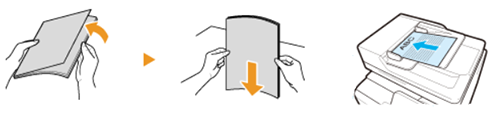
Place your originals face up in the automatic document feeder.
or face down on the glass plate.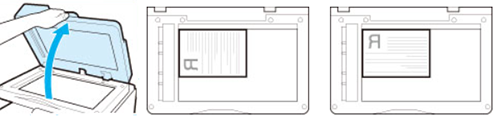
-
Press the [Home] button next to the user panel display and tap on [Copy].

Note: You can also tap on the [Copy] shortcut button at the top of the user panel display.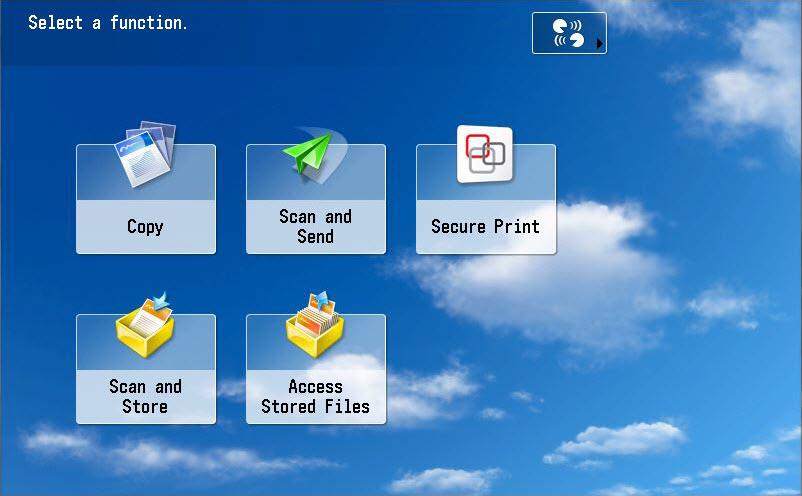
- If necessary, adjust the document settings.
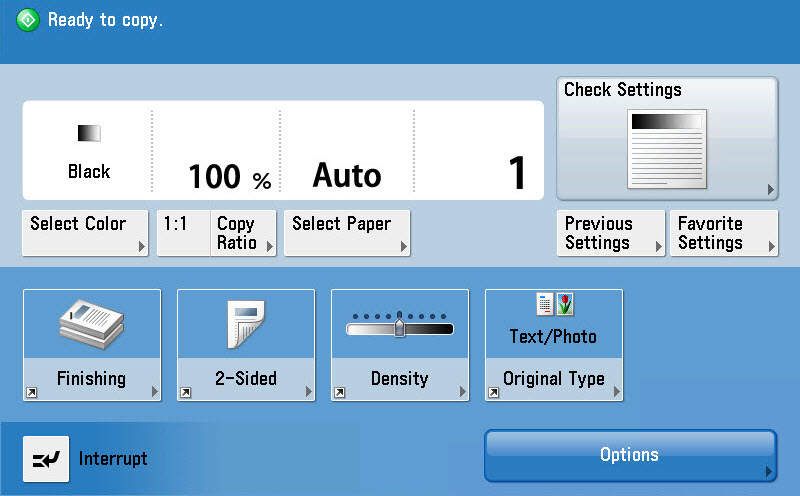
-
Place your card on the card reader next to the user panel and wait until you hear a beep or tap [Log out]. Or press [Log out] in the Campus Print app.
Copy a document
